
How to Compress Images Without Losing Quality
Reduce image size while keeping them sharp for websites and social media.
By Hemiley Team
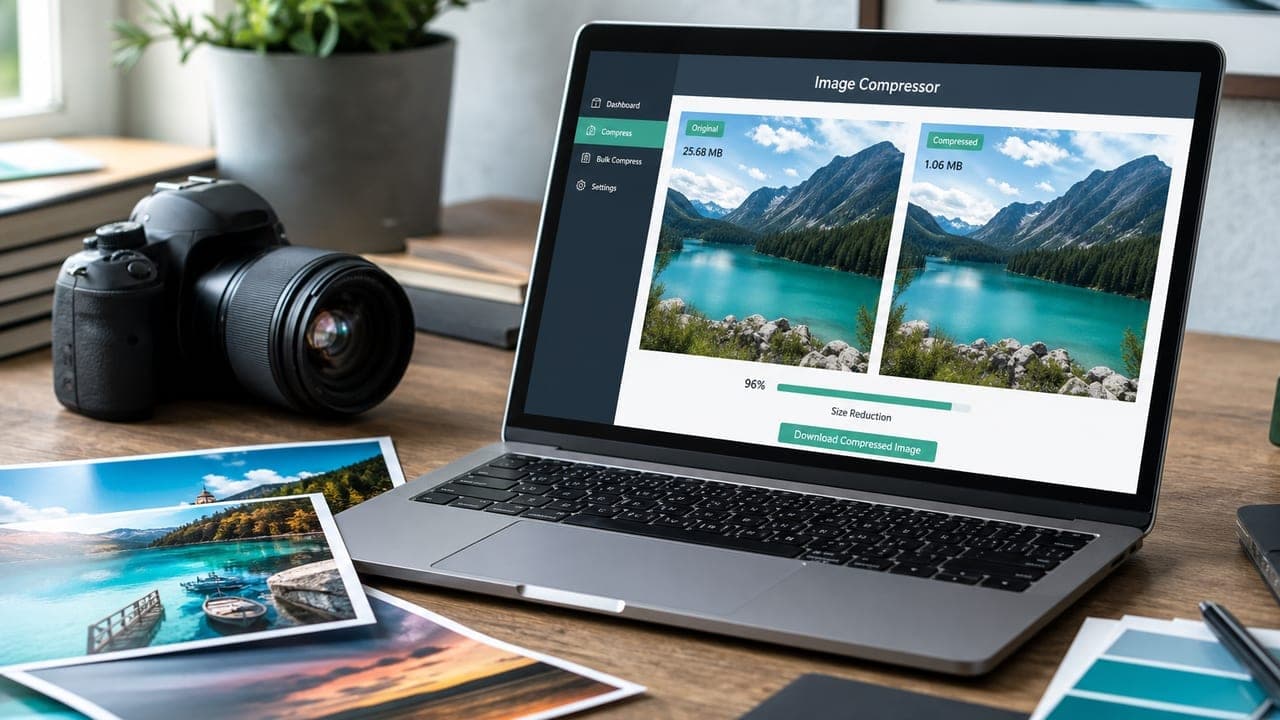
Large images slow down websites and eat mobile data. Smart compression shrinks file size while keeping photos and graphics sharp enough for blogs, stores, and social posts. Hemiley’s Image Compressor helps you do this in your browser.
Why image size matters
Page speed affects SEO, bounce rate, and conversions. Replacing a 4 MB photo with a well-compressed 200–400 KB version can make a page feel much faster.
Social platforms also re-encode uploads. Starting with a reasonably sized file gives you more control over how your image looks.
How to compress without visible quality loss
Resize to the dimensions you actually need, then compress. A 1200px-wide blog image does not need a 4000px camera original.
Use Hemiley’s Image Compressor to reduce file size, then preview the result. If edges look soft, try a milder setting or a slightly larger output.
Best practices for web and social
Prefer modern formats when your audience’s browsers support them, keep important text and faces sharp, and avoid compressing logos into muddy blobs.
After compressing, use Image Resizer if you need exact pixel dimensions for Instagram, LinkedIn, or product galleries.
Ready to try it?
Explore more free tools in our tool directory.