
How to Merge PDF Files Online Without Losing Quality
Learn the easiest way to combine multiple PDF files in seconds.
By Hemiley Team
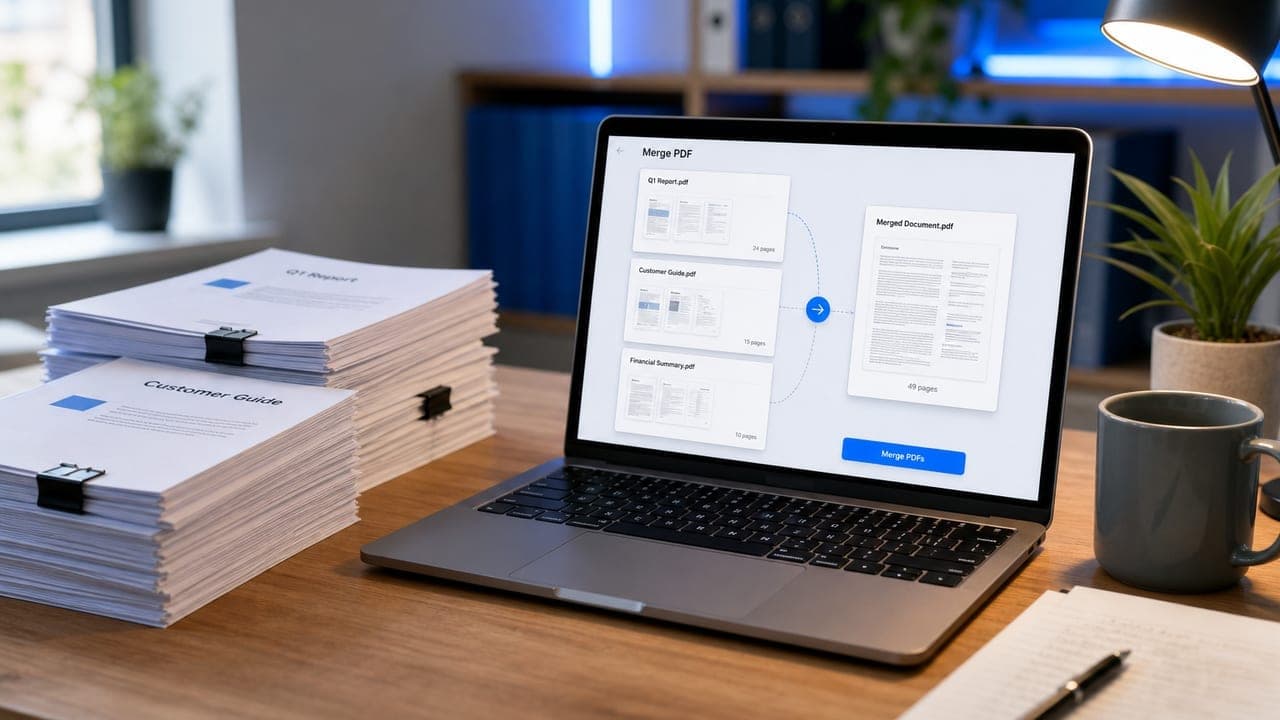
Combining PDFs should be fast and safe. With Hemiley’s free Merge PDF tool, you can join reports, invoices, and scans into one clean file — without installing software or sacrificing quality.
Why merge PDFs online?
Sending multiple attachments is messy. A single merged PDF keeps pages in order, looks professional, and is easier to share, print, or archive.
Browser-based tools also mean you can merge files on any device — laptop, tablet, or phone — without downloading desktop apps.
How to merge PDF files on Hemiley
Open the Merge PDF tool, upload the files you want to combine, arrange them in the right order, and download the result. The process usually takes only a few seconds.
Keep originals handy until you confirm the merged file looks correct. If you need a smaller file afterward, use Compress PDF next.
Tips for best quality
Start with clear source PDFs. Merging does not improve blurry scans — it preserves what you upload.
Use a consistent page size when possible, and check page order before you download so readers see the content in the intended sequence.
Ready to try it?
Explore more free tools in our tool directory.