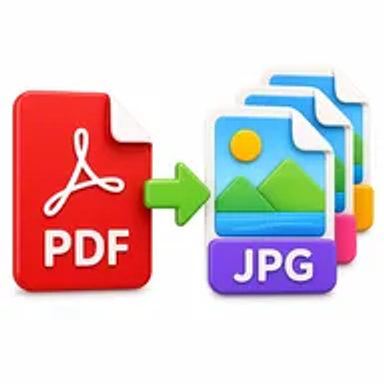
About PDF to Images
Hemiley’s PDF to Images tool renders PDF pages as image files you can save and reuse.
Ideal when you need screenshots of documents without installing desktop software. All processing happens in your browser on Hemiley — your files are never uploaded to our servers.
Key Features of PDF to Images
- Convert PDF pages to images
- Download results for each page
- Works in your browser
- Free online PDF converter
- No account required
How to Use PDF to Images
- Upload a PDF file.
- Start the conversion to images.
- Preview or review the generated pages.
- Download the image files (ZIP when multiple).
Looking for more image tools? Explore the Image Tools hub or the full free online tools directory.
Frequently Asked Questions
Is PDF to Images free on Hemiley?
Yes. PDF to Images is completely free, with no sign-up, watermark, or payment required.
Is my image uploaded when I use PDF to Images?
All processing happens in your browser on Hemiley — your files are never uploaded to our servers.
What devices work with PDF to Images?
PDF to Images works in modern browsers on desktop, laptop, tablet, and phone — no app install needed.
Does this work with multi-page PDFs?
Yes. Each page can be rendered as an image and downloaded together.