Remove Unwanted Pages from Your PDF in Seconds
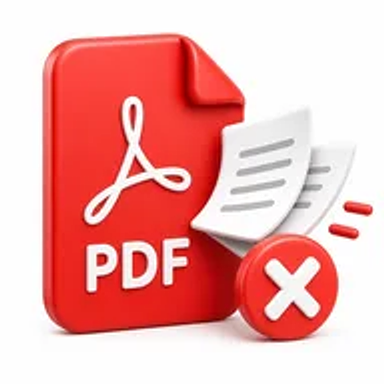
Need to delete unnecessary pages from a PDF? Hemiley's Remove Pages tool lets you remove PDF pages online quickly and securely without installing any software. Upload your file, select the pages you want to delete, and download your updated PDF in just a few clicks.
About Remove Pages
Sometimes a PDF contains pages you no longer need, such as blank pages, duplicate content, outdated information, or confidential sections. Instead of recreating the entire document, Hemiley's Remove Pages tool lets you remove unwanted pages while keeping the remaining document intact.
Whether you're editing reports, contracts, invoices, presentations, or study materials, you can remove pages from PDF files directly in your browser with just a few clicks.
Key Features of Remove Pages
- Remove PDF pages online for free
- Delete one or multiple pages from a PDF
- Preserve the original formatting and quality
- Fast browser-based processing
- No software installation required
- Secure document handling
- Works on Windows, macOS, Android, and iPhone
- Simple page selection interface
How to Use Remove Pages
- Upload your PDF document.
- Select the page or pages you want to remove.
- Click Remove Pages.
- Download your updated PDF instantly.
Looking for more pdf tools? Explore the PDF Tools hub or the full free online tools directory.
Why Choose Hemiley?
Hemiley makes editing PDF documents simple, secure, and efficient.
Whether you need to remove a single page or multiple pages from a PDF, our browser-based tool helps you complete the task quickly without compromising document quality or requiring additional software.
Benefits
- Remove unwanted pages in seconds
- Keep your PDF organized
- Save time editing documents
- Preserve original formatting
- Access the tool from any device
- Completely free to use
Frequently Asked Questions
Is the Remove Pages tool free?
Yes. Hemiley's Remove Pages tool is completely free to use.
How do I remove pages from a PDF?
Upload your PDF, select the pages you want to delete, click Remove Pages, and download your updated document.
Can I remove multiple pages at once?
Yes. You can delete one page or multiple pages from the same PDF.
Will removing pages affect the quality of my PDF?
No. Only the selected pages are removed. The remaining document keeps its original formatting and quality.
Can I remove pages from a PDF on my phone?
Yes. Hemiley works on desktop computers, tablets, and smartphones.
Do I need to install any software?
No. Everything works directly in your web browser.
Clean Up Your PDF in Seconds
Remove unwanted PDF pages quickly with Hemiley's secure online tool.